
Aqara Hub M3 vs M200 vs M100: Which Hub Should You Buy?
By 123 LED Lighting · Published · 9 min read
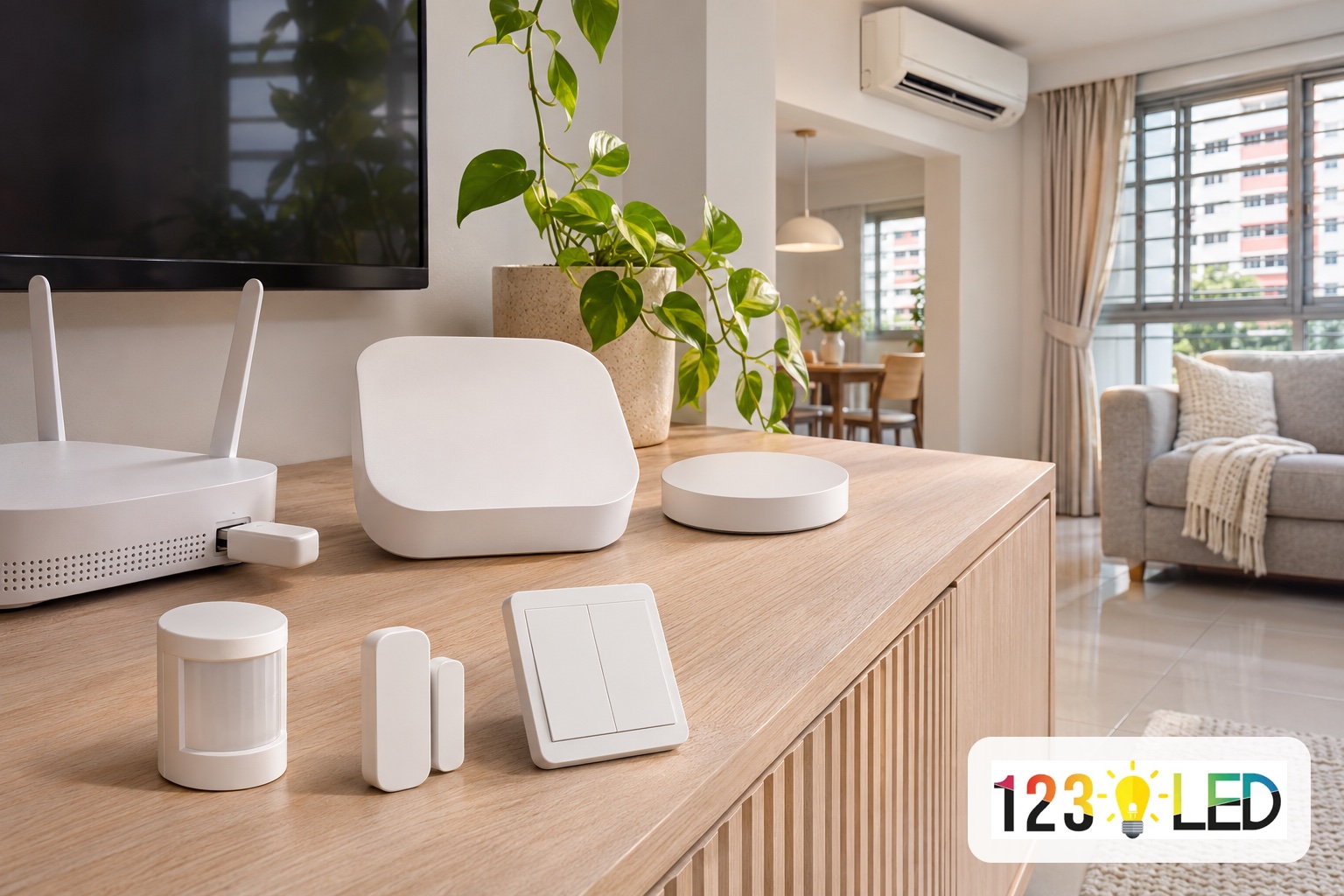
For most Singapore homes, the Aqara Hub M200 is the best balance: it runs up to 40 Aqara Zigbee and 40 Thread devices, has an IR blaster for your air-con and a 90dB speaker, and costs S$149 on our Aqara page. Choose the Hub M3 (S$289) for a large condo or landed home with many devices, and the compact Hub M100 (S$89) for a small, starter setup.
Key takeaways:
- All three hubs are Matter controllers, Matter bridges and Thread border routers, and all three run Aqara Zigbee devices with local automations.
- The real differences are capacity (20+20, 40+40 or 127+127 devices), the IR blaster and speaker (M200 and M3 only), and power (USB-A on the M100; USB-C or PoE on the M200 and M3).
- Aqara lists all three as hubs for Aqara Zigbee devices, and its M100 FAQ says third-party Zigbee devices are not supported. Other brands join through Matter.
- Place the hub centrally, and in the same room as the air-con if you want IR control.
What does an Aqara hub do?
An Aqara hub is the bridge that connects Aqara's Zigbee and Thread devices (switches, sensors, curtain motors and locks) to your Wi-Fi network and the Aqara Home app, and runs your automations locally. Zigbee devices cannot connect to Wi-Fi on their own, so every Aqara Zigbee sensor or switch must be paired through a hub.
The three current hubs also do three Matter jobs, according to Aqara's official hub comparison:
- Matter bridge: it shares your Aqara Zigbee devices with Apple Home, Google Home, Alexa, SmartThings and Home Assistant.
- Matter controller: it adds other brands' Matter devices into the Aqara Home app, so you can automate them together.
- Thread border router: it connects Thread devices to your home network. Matter is the smart home standard from the Connectivity Standards Alliance; Thread is one of the low-power networks it runs on.
Automations run on the hub itself, so they keep working when your internet is down. Push notifications to your phone still need an internet connection.
Aqara Hub M3 vs M200 vs M100: what are the differences?
The M3, M200 and M100 share the same core Matter and Zigbee features. They differ in how many devices they hold, whether they have an IR blaster and speaker, and how they are powered. The table below uses Aqara's official specifications; prices are from our Aqara smart home page in November 2026.
| Feature | Hub M3 | Hub M200 | Hub M100 |
|---|---|---|---|
| Price (Singapore) | S$289 | S$149 | S$89 |
| Device capacity | 127 Aqara Zigbee + 127 Thread | 40 Aqara Zigbee + 40 Thread | 20 Aqara Zigbee + 20 Thread |
| Matter controller, Matter bridge, Thread border router | Yes | Yes | Yes |
| IR remote control (air-con, TV) | Yes, 360° | Yes, 360° | No |
| Built-in speaker | 95dB | 90dB | No |
| Wi-Fi | 2.4GHz and 5GHz | 2.4GHz and 5GHz (Wi-Fi 6) | 2.4GHz (Wi-Fi 6) |
| Power | USB-C or PoE (Ethernet) | USB-C or PoE (Ethernet) | USB-A plug-in stick |
| Computing | Edge hub (can lead other Aqara hubs) | Local hub | Local hub |
| Size | 105 × 105 × 36.5mm | Ø100.5 × 30.75mm | 108 × 30 × 8mm, 40g |
Neither the M200 nor the M3 comes with a USB power adapter in the box (both include a USB-A to USB-C cable), so plan for a 5V 2A adapter or a PoE network switch.
Which Aqara hub is best for an HDB flat?
For a 2-room or 3-room HDB flat, the Hub M200 is usually the right choice. Its 40 Zigbee plus 40 Thread capacity covers the switches, sensors and curtain motors of a typical flat, and its IR blaster can control the living room air-con. Our own 2-room and 3-room HDB packages are built on the M200.
Pick the M100 instead if you only want a few devices, such as a door sensor, a motion sensor and a couple of switches, and you don't need air-con control. Aqara recommends keeping M100 devices within about 10 metres of the hub with no more than two concrete walls in between, which matters in HDB flats with thick concrete walls. Pick the M3 if you plan a whole-home system in a larger flat; our 4-room HDB and 5-room/condo packages use the M3 because they include more switches, a presence sensor and extra curtain motors. A 4-room flat with only a few devices can still run well on an M200.
| Your home and plans | Suggested hub |
|---|---|
| Starter: a few sensors and switches, no IR control | Hub M100 |
| 2-room or 3-room HDB, switches, sensors, curtains, air-con IR | Hub M200 |
| 4-room or 5-room HDB with a full set of switches, sensors and curtains | Hub M3 |
| Large condo, maisonette or landed home, 40+ devices | Hub M3 |
| Already own an older Aqara hub (M2, M1S, E1) | Hub M3 (it can migrate or lead them) |
When is the Aqara Hub M3 worth the extra cost?
The Hub M3 is worth it when you need more than 40 Zigbee or Thread devices, run several hubs, or want to upgrade from an older Aqara hub. Aqara rates it for 127 Zigbee and 127 Thread devices: 64 connected directly, and up to 127 through Zigbee routers or Thread mesh extenders.
Other M3 features, per Aqara's Hub M3 product page:
- Leading hub: one M3 can manage up to 10 Aqara hubs and run cross-hub automations locally.
- Hub migration: it can take over devices from Aqara M2, M1S, E1 and other Aqara hubs without re-pairing them one by one (the Camera Hub G2H is not supported).
- Coverage: Aqara says one M3 can cover about 100 to 300 square metres when devices are spread out and router devices are placed sensibly.
- Privacy: no microphone or camera, and an 8GB encrypted local storage chip for device lists, settings and automations.
One limit to know: with a single M3, its automations stop if the hub itself goes offline. Only with two or more M3 hubs does another one take over. Aqara notes the M3's USB-C port can run from a UPS or power bank, which keeps the hub going through a short power cut.
Is the Aqara Hub M200 the best value?
Yes, for most homes the M200 gives the most features per dollar. It has the same Matter controller, bridge and Thread border router roles as the M3, plus the IR blaster, a 90dB speaker, dual-band Wi-Fi and PoE, at about half the M3's price. What you give up is capacity (40+40 devices instead of 127+127) and the M3's ability to lead other hubs. Our Aqara packages for 2-room and 3-room HDB flats are built around it.
The M200's IR blaster is useful in Singapore homes. According to Aqara, it can detect when you use the original remote so the app shows the right status. Paired with an Aqara climate (temperature and humidity) sensor, it lets an IR air-con act like a smart thermostat and appear in Matter apps. Two limits: only one IR air-con can be bridged in this air-con mode, and the hub should be in the same room as the unit.
When is the Aqara Hub M100 enough?
The Hub M100 is enough for a small starter setup of up to about 40 devices, of which no more than 20 are Zigbee. It is a 40g stick that plugs into any USB-A port, such as your router, a TV or a USB adapter, and its 210° hinge lets you tuck it out of sight.
Before you choose it, check the limits on Aqara's M100 page: no IR blaster, no speaker (so no hub siren or doorbell chime), 2.4GHz Wi-Fi only, and no Bluetooth child devices. If you might add air-con control or many sensors later, the M200 avoids buying a second hub.
Do you need an Aqara hub for Apple Home, Google Home or Alexa?
You need an Aqara hub for any Aqara Zigbee device, whichever app you use, because the hub is what bridges those devices into Apple Home, Google Home or Alexa through Matter. Aqara Thread devices need a Thread border router, which an Aqara hub provides. Wi-Fi devices connect directly to your router and do not need a hub.
Aqara hubs are built for Aqara's own Zigbee devices; Aqara's M100 FAQ states that third-party Zigbee devices are not supported. Other brands' Matter devices can be added through the hub's Matter controller instead.
Where should you place an Aqara hub at home?
Place the hub in a central, open spot, not inside a metal cabinet or behind the TV. In a typical HDB flat, the living room is usually central and is also where the main air-con and TV are, which suits the IR blaster.
- Keep the hub in the same room as any air-con or TV you want it to control by IR.
- Keep battery sensors within range: Aqara's guidance for the M100 is about 10 metres and no more than two concrete walls.
- For bedrooms at the far end of the flat, add mains-powered Zigbee routers or Thread mesh extenders, or a second hub, rather than relying on one hub through several walls.
- Use PoE (M200 or M3) if you want the hub near the ceiling or away from a power point.
How do Aqara hubs work with LED lighting?
An Aqara hub can switch lights through Aqara smart wall switches, and run lighting automations such as turning on an LED strip when a presence sensor sees someone, an example Aqara itself gives for the M200. If you are planning cove or under-cabinet lighting for these automations, our guide on how to install LED strip lights explains the power supply and wiring side, and our LED strip lights range lists the strips we stock.
Wiring a smart switch into your home's lighting circuit is electrical installation work and should be done by a licensed electrical worker. Our Aqara packages are quoted with installation included.
Which Aqara hub should you buy?
Start from the number of devices and whether you want air-con control:
- Under 20 Zigbee devices and no IR needs: Hub M100.
- Up to 40 Zigbee devices, air-con or TV IR control, a doorbell chime or siren: Hub M200.
- More than 40 devices, several hubs, or migrating from an older Aqara hub: Hub M3.
Compare the full hub specifications and our HDB and condo packages on the Aqara smart home page, or contact us with your floor plan and the devices you want, and we will suggest a hub and quote.
Frequently asked questions
Can I use an Aqara Zigbee sensor without a hub?
No. Aqara Zigbee devices must be paired through an Aqara hub such as the M100, M200 or M3. Aqara Wi-Fi devices connect directly to your router, and Thread devices need a Thread border router instead.
Does the Aqara Hub M100 have an IR blaster?
No. The M100 has no IR remote control and no speaker. The M200 and M3 both have a 360° IR blaster and a built-in speaker.
Can I connect third-party Zigbee devices to an Aqara hub?
Aqara hubs are made for Aqara's own Zigbee devices, and Aqara's M100 FAQ says third-party Zigbee devices are not supported. Other brands' Matter devices can be added through the hub's Matter controller in the Aqara Home app.
Will Aqara automations work without internet?
Yes. The M3, M200 and M100 run automations locally on the hub, so they keep working during an internet outage. Push notifications to your phone still need internet.
Need help choosing LED lighting for your home or office? Ask our team.
Contact 123 LED Lighting